Delverium Tools Hub
Requirements, handheld play, and why official dedicated servers are not part of the plan.
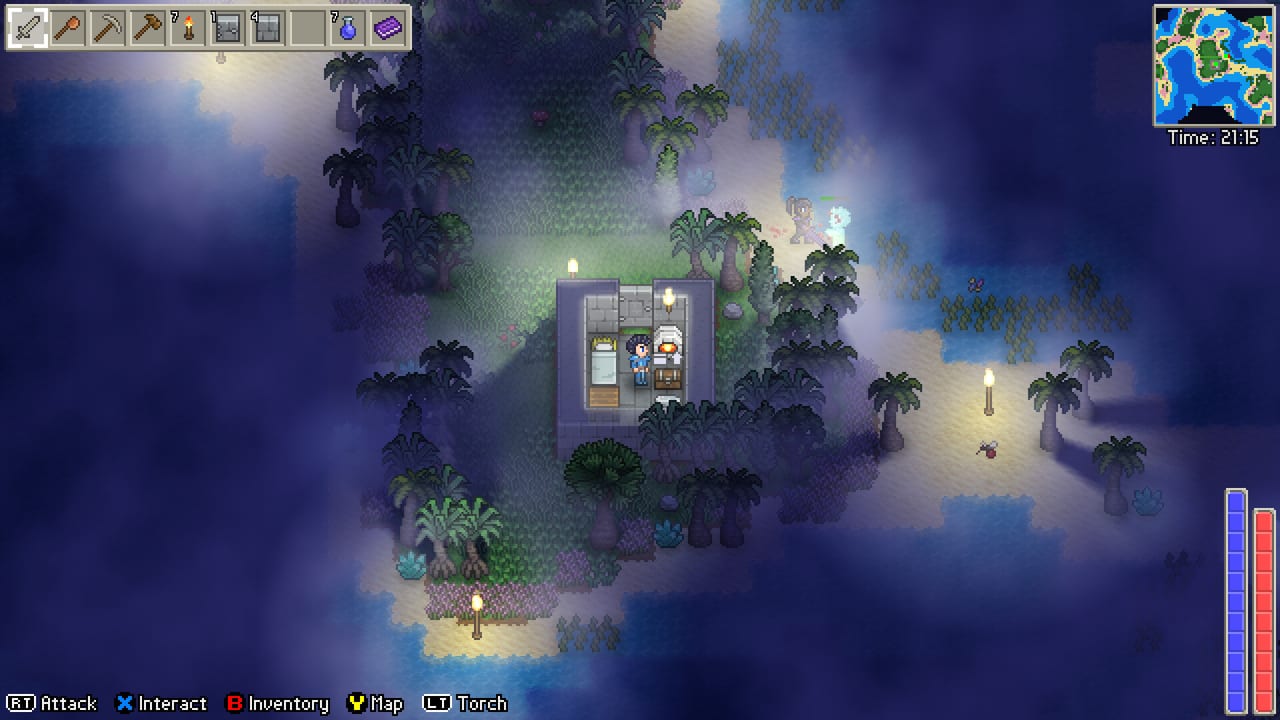
This hub is the practical half of the wiki: can your PC run Delverium, will a Steam Deck hold a farm-and-delve session, and how do you keep a co-op world online when Sagestone Games does not ship a dedicated server? Scott Lowther’s 2D sandbox is deliberately light — Windows 10, DirectX 11, a few hundred megabytes on disk — but co-op still has a host-PC rule that surprises groups used to 24/7 survival servers.\n\nUse the child pages rather than this overview when you need numbers:\n\n- System requirements — Steam minimum and recommended specs, language list, and what “4 GB RAM / HD 4000” actually means for a pixel sandbox.\n- Dedicated servers — official answer (there isn’t one), host-world behaviour, and the third-party Lodestone stack including paid hosts.\n- Steam Deck — Sagestone’s support video, full controller support, and why this wiki will not invent a Valve Verified badge.
- Wishlist — how to follow the Steam page, why the EA price can rise, and why the demo is the cheap test first.\n\nGameplay onboarding stays in getting started. Invite flow and split-screen seating stay in co-op. Dates and demo scope stay in the updates hub. This category exists so those guides can link to hardware and hosting without repeating tables.\n\n## What “tools” means on this wiki\n\nSome wikis fill a Tools section with damage calculators and interactive maps. Delverium is still heading into Early Access on September 22, 2026; there is no public official map seed browser, no damage spreadsheet from Sagestone, and no in-wiki code list (this is not a Roblox title). The useful tools right now are spec sheets, handheld notes, and hosting reality checks.\n\nIf you want third-party utilities later — community overlays, seed viewers, or Lodestone panels — they belong as links with a clear unofficial label, never as if Brisbane’s studio shipped them. Jeff van Dyck’s audio work and the pixel art pass do not need a “tool.” They need a machine that can keep 2D sprites and a handful of players in memory, which is what the requirements page is for.\n\n## Before you host a world\n\nWalk this list once. It is the entire reason the three child pages exist as separate URLs.\n\n1. Confirm the store specs. Minimum is Windows 10 64-bit, Intel Core i3 / Ryzen 3, 4 GB RAM, Intel HD 4000 / GeForce GT 420 / Radeon HD 5500, DirectX 11, 350 MB. Recommended steps up to i5 / Ryzen 5, 8 GB, Iris Xe / GTX 750 / HD 7770, 500 MB. Details and caveats: system requirements.\n2. Decide who hosts. The world lives on the host PC while that player has the game open. Close the client, park the world. That is official behaviour, documented again on dedicated servers.\n3. Do not wait for an official dedicated binary. None is on the Early Access FAQ or the public roadmap. Community Lodestone and hosts such as Survival Servers exist; they are not Sagestone products.\n4. Cap is eight. Whether you use listen-server co-op or a third-party host, Delverium’s design cap is 8 slots (4 on a split-screen couch, 8 online, mixable).\n5. Test on the device you will actually use. The demo has been on Steam since February 2025. Run it on the Deck, laptop, or living-room PC before you promise a group a weekend seed.\n6. Controller users should open rebinding (added in the February 2026 demo update) and watch Sagestone’s Steam Deck support video rather than assuming a Verified badge.\n\n## Related wiki pages\n\n- Early Access — September 22 date, rising price, day-one feature list (including full controller support and multi-language UI).\n- Roadmap — why dedicated servers are absent from 1.0 language.\n- Review — whether the slice is worth your evening, not whether your i3 meets minimum.\n- Players — who Sagestone is.\n- Links — Discord, X, YouTube, Bluesky, Steam.\n\n## What we will not add here\n\nNo cheat tables, no save editors, no cracked-server tutorials, no invented FPS overlays. If a community calculator becomes accurate after Early Access, it can earn a clearly labelled unofficial link. Until then, the high-leverage “tools” are the three pages under this hub: a spec table copied from Steam, a hosting page that refuses to rebrand Lodestone as official, and a Deck page that quotes Sagestone’s own video instead of a press-site badge.\n\nWhen the first post-unlock Steam news post changes minimum RAM or adds an official server binary, those child pages update and this hub stays a table of contents. That is the whole job of a Tools category on a game that is still days away from Early Access: keep the setup answers in one tree so guides can stay about farming, delving, and the Faults.
Frequently Asked Questions
Quick answers to the most common Delverium questions.
Does Delverium need a high-end GPU?
No. Steam’s minimum is an Intel HD 4000 / GT 420 / HD 5500 class card, DirectX 11, and 4 GB of RAM. It is a lightweight 2D title.
Is there an official server browser or dedicated executable?
No. Worlds live on the host PC while the game is open. Community Lodestone hosting is third-party and not a Sagestone product.
Will these tools pages add damage calculators?
Not before there is stable Early Access data. Right now the useful tools are specs, Deck notes, and hosting caveats.
Where should I test performance before September 22?
The Delverium Demo has been on Steam since February 2025. Run that build on the same hardware you plan to use for Early Access.
Are codes or Roblox scripts part of this hub?
No. Delverium is a Steam sandbox from Sagestone Games. There are no Roblox codes on this wiki.